Release notes
Our biggest update yet. The replay window is faster, clearer and far more informative, and the match library gained the filters you have been asking for. You will see real health values, full builds, accurate skill behaviour, and a modernised interface that makes exploring matches genuinely enjoyable.
Recordings made from 29 August 2026 onward reliably include every feature listed below.
Older recordings still benefit from most of these improvements, but 29/08/2026 is the point where the full 2.0.0 feature set becomes guaranteed.
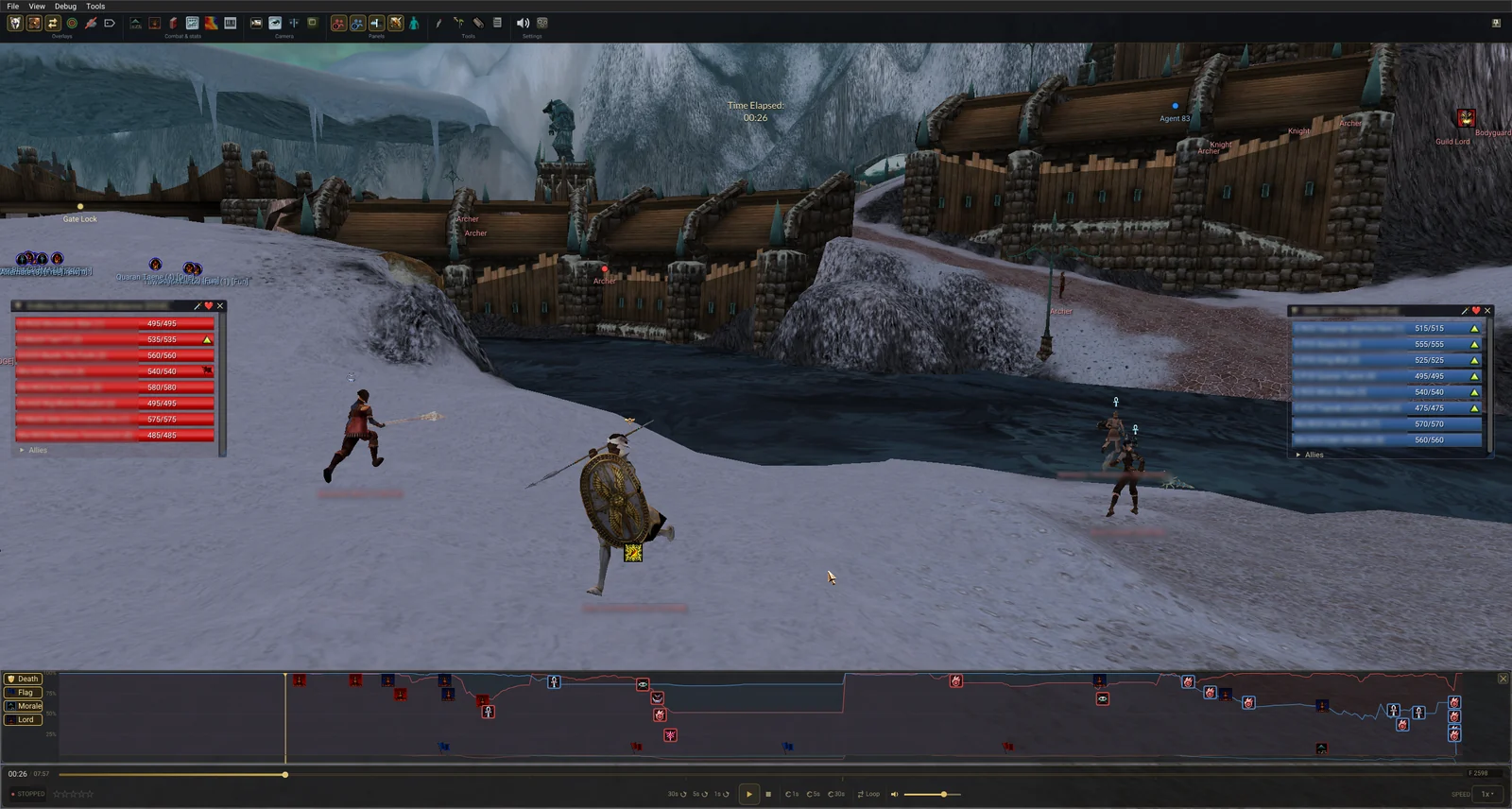
Party bars and player panels now show real HP, rebuilt from all visible factors: base health, armour, weapon set, shrine bonuses, morale, Death Penalty and Deep Wound.
Older recordings fall back to a safe estimate, marked with a tilde.
A complete view of a player's build in one place. Some of it is read straight out of the recording and is exact. The rest is worked out by the tool from what happened in the match, and the panel is explicit about which is which.
Exact. This is what the player had.
Best effort. The recording does not carry these directly.
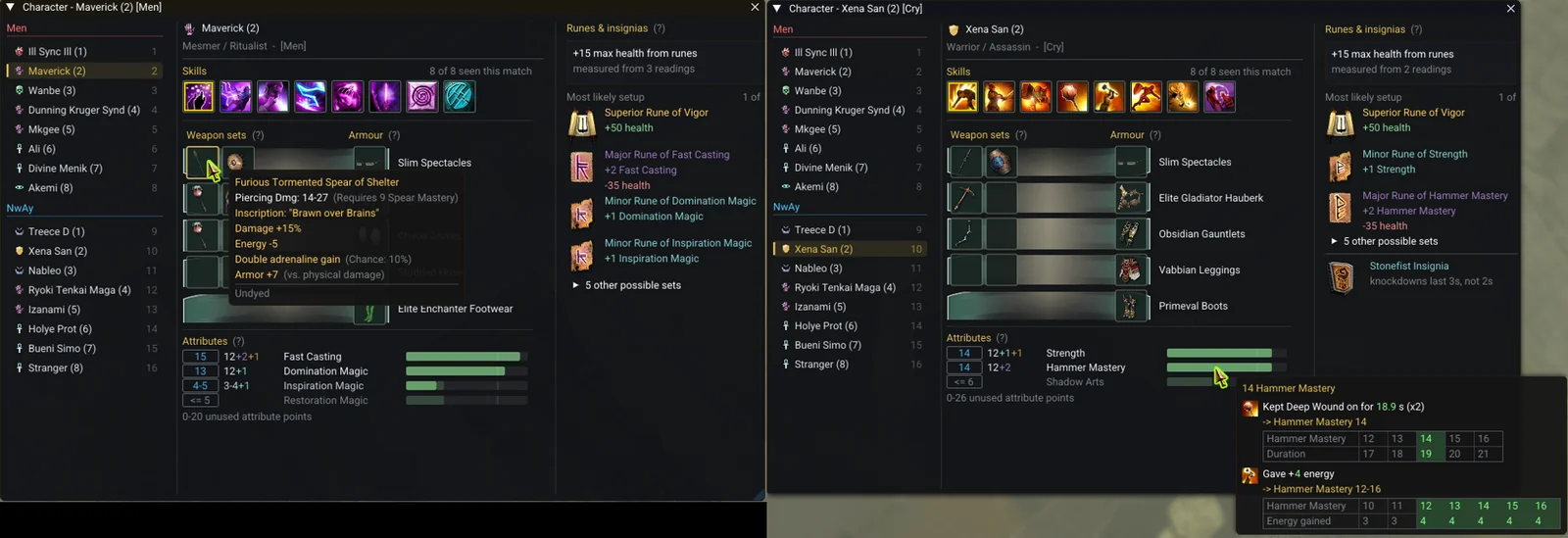
The followed player's weapon sets appear on the familiar in-game plates. The active set is highlighted, and hovering a plate shows the full item tooltip.
Actual weapon skins also appear on the character models in the 3D scene.
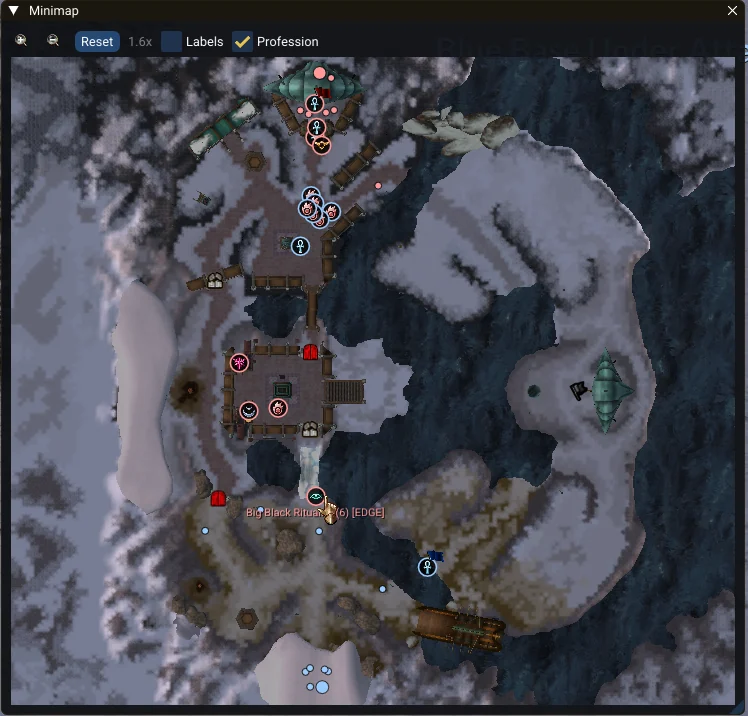
A top-down map much like the in-game minimap, with helpful additions such as gate, lever and catapult indicators.
Skill sounds, cast cancels, ambient effects and music now play at the right time and in the right place in the 3D world.
This is not a perfect reproduction of the original game's audio system, which would be a project of its own, but timing and spatial placement are correct.
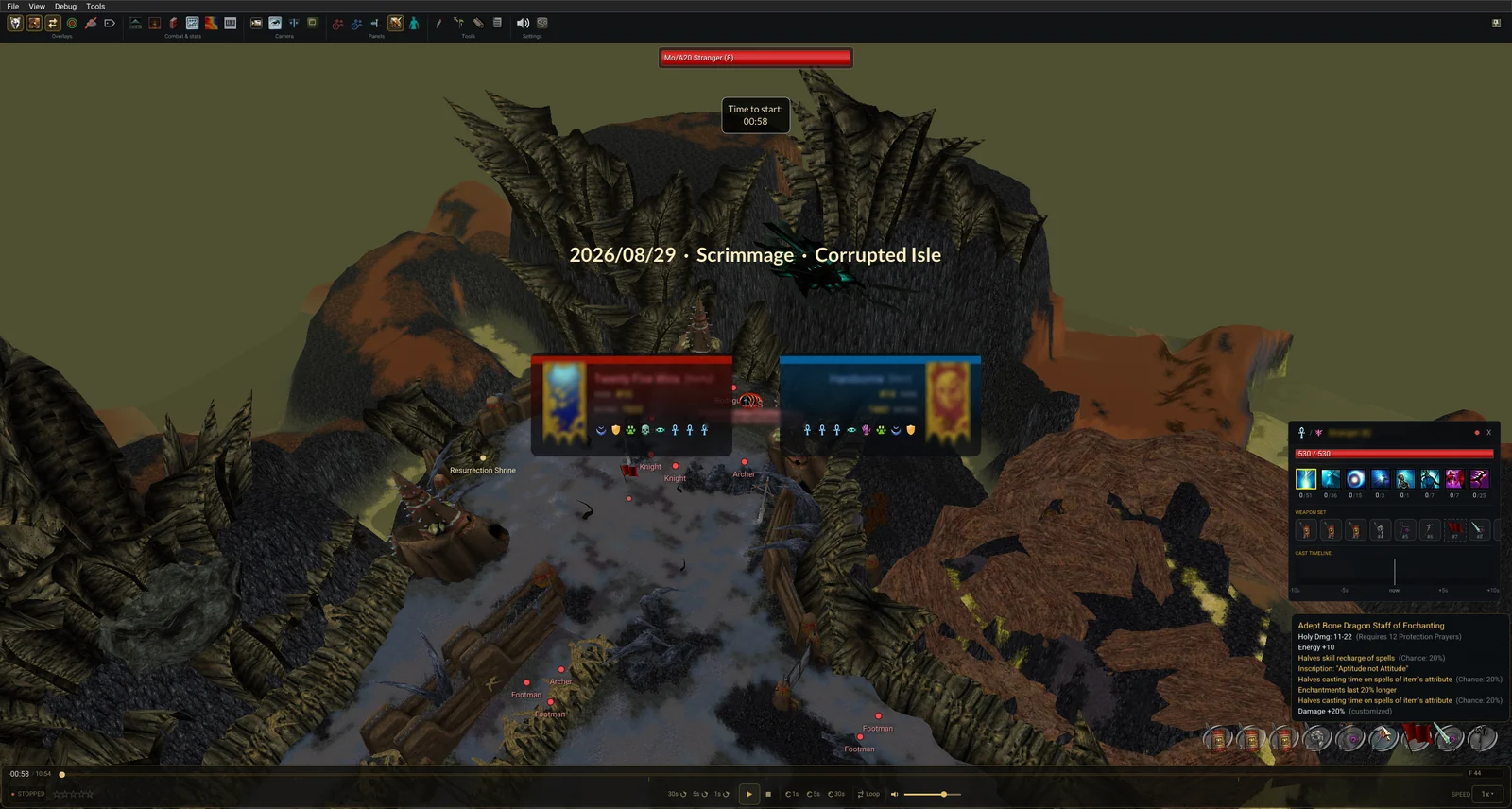
Every replay tool is grouped into a single toolbar at the top of the match replay window: Panels, Overlays, Combat & Stats, Tools, Camera and Settings. The toolbar is pinnable and collapsible, with hotkeys shown on each button.

Players now hold their actual 3D weapon models.
The attachment to the hand bone is sometimes slightly off. Fixing it perfectly would need manual adjustment for every skin, so we are keeping it as it is for now.
When a Dervish activates an Avatar, their model now swaps to the correct Avatar model and cleanly reverts when the form ends.
Item spells now place the correct urn in the caster's hands, instead of leaving phantom items lying on the ground.
Pets are now detected and rendered with their proper model, name, evolution and health. Killing a pet no longer grants morale.
Not every pet is mapped yet, but the most used ones are in (Moa Bird, Roller Beetle, Wolf and others).
All minion types now render correctly, with their proper names and 3D models.
Several NPC types that previously appeared as a generic "Agent X" are now correctly detected and displayed.
The Guild Lord and the other hall NPCs (Bodyguard, footmen and the rest) now display the correct health.
Doors, gates, levers, catapults, teleporters and vine bridges now animate from the recording. These have been tested extensively and are reliable.


Vine bridge behaviour may still show the occasional bug: there are few recordings on Druid's Isle to test against.
Flags, repair kits, vine seeds and Ritualist ashes are now correctly detected, tracked and rendered, which fixes the cases where they were previously mixed up with each other.
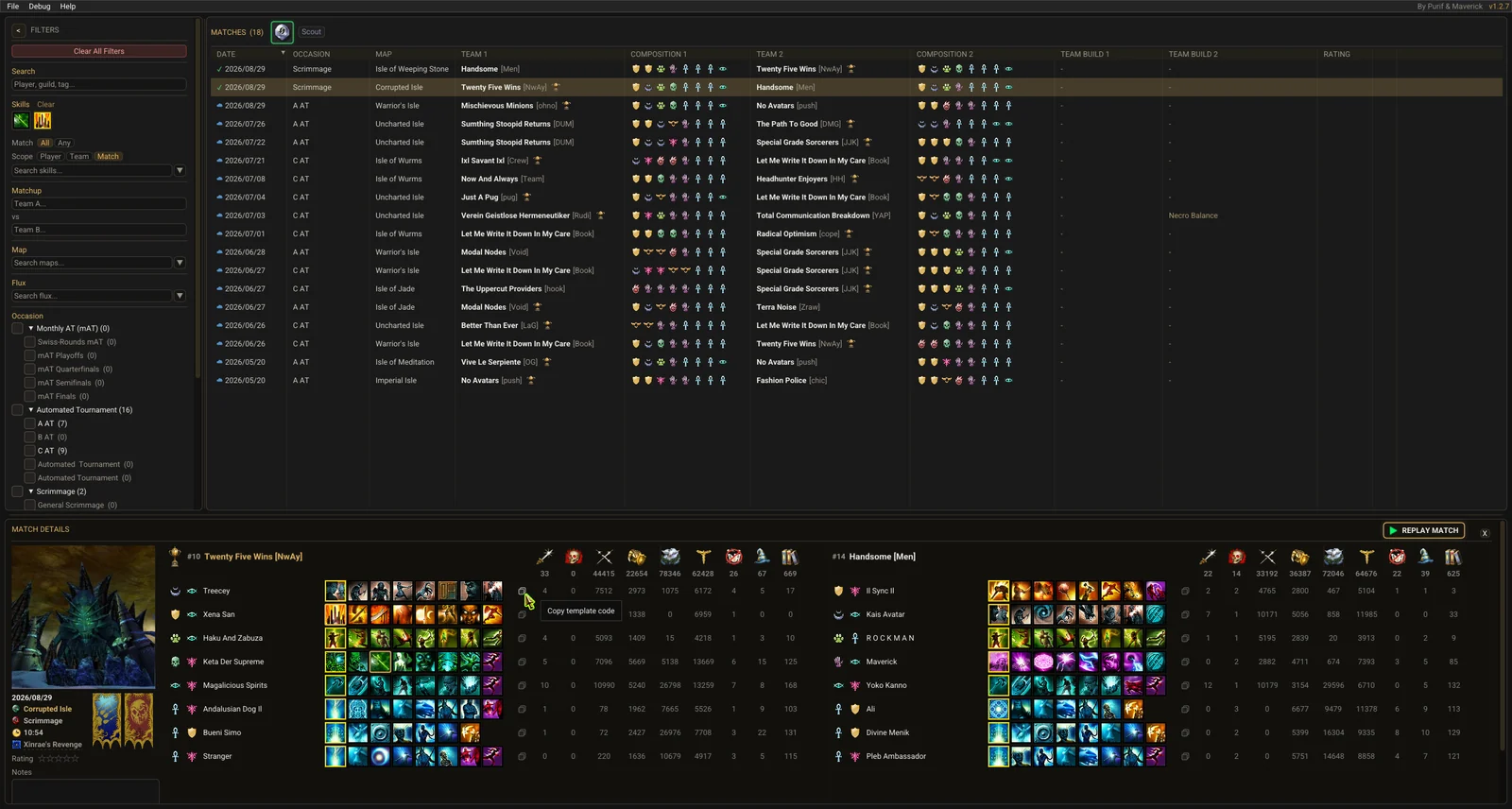
Several new ways to find a match:
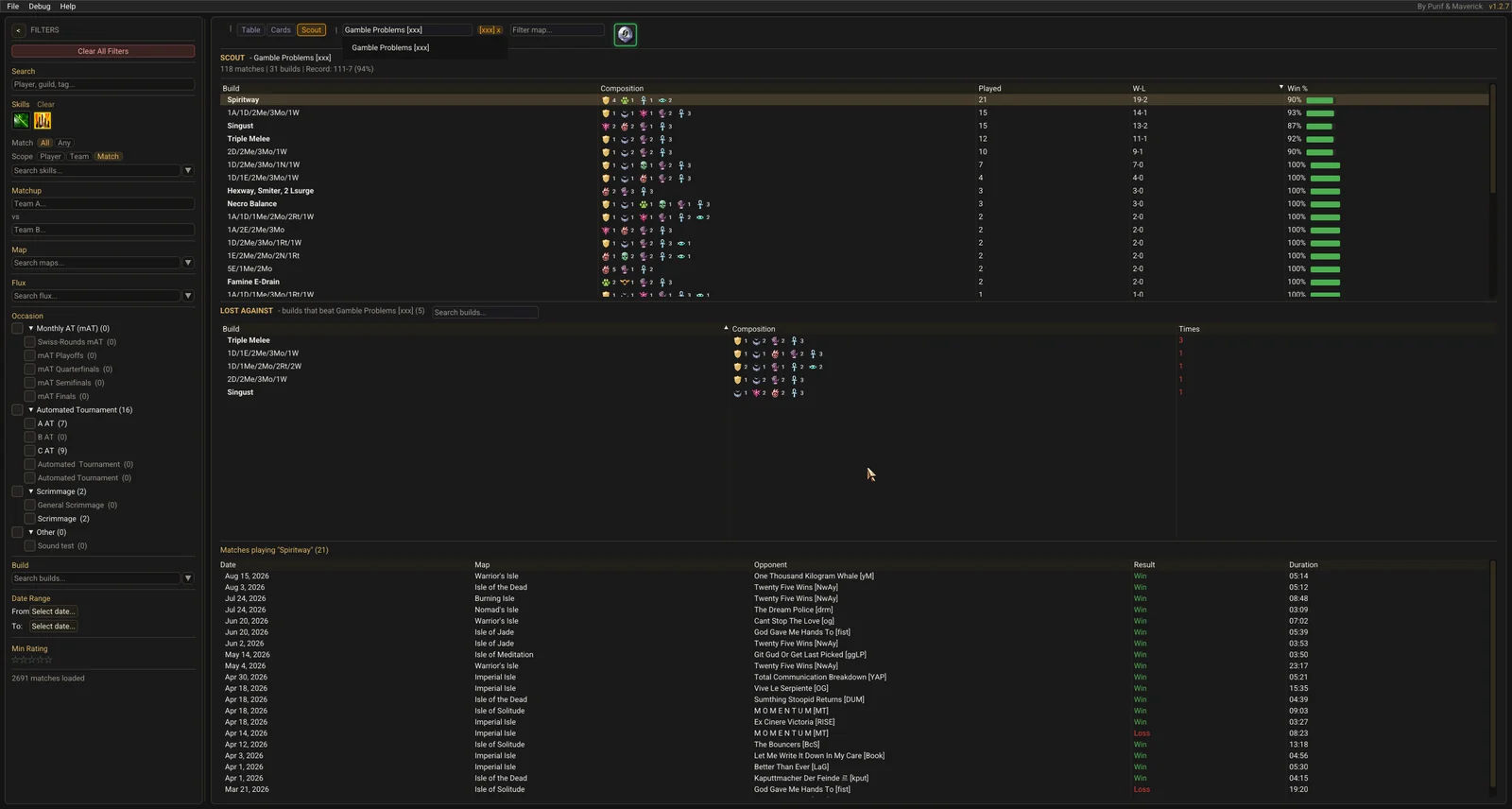
A first usable draft of the Scout view. It shows an opponent guild's builds, their win and loss record, and the builds that beat them.
Still under active development, but the baseline is here.
Replays show skill values as they were on the day the match was played, matching the balance patch in force at the time.
Every loading phase now shows a busy indicator, so you can tell whether the app is working or actually frozen.
Hundreds of fixes across rendering, numbers, state handling, layout, skill data and match extraction. The highlights: